
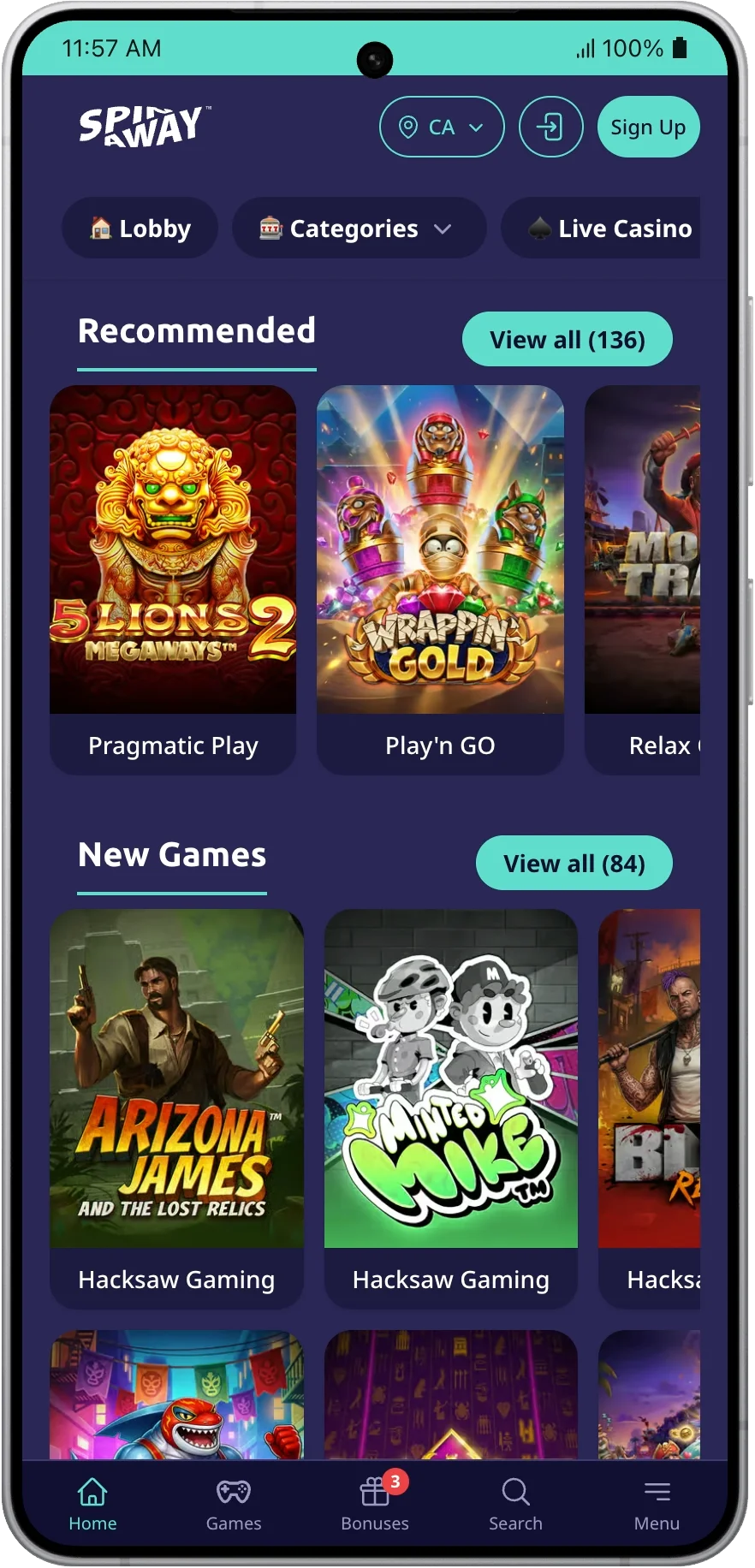

How to Download the SpinAway Canada App
Install the official SpinAway casino app on a compatible Android device in a few simple steps.
-
Open the SpinAway Google Play Listing
Use the Google Play button above to visit the app listing. -
Install the Android Casino App
Select Install in Google Play and wait for the download to finish. -
Log In or Create Your Canada Account
Open the app, then sign in to your existing account or follow the on-screen steps to register if you are eligible.
A Mobile Casino Experience for Canada Players
Casino Games on Your Android Device
Browse SpinAway's available casino games from a mobile interface designed for Android phones and tablets.
Convenient Account Access
Log in to your SpinAway Canada account through the app and access the features available for your account and location.
Updates Through Google Play
Downloading through Google Play makes it easy to receive new versions and performance updates when they become available.
Who Can Use the SpinAway Canada Casino App?
The SpinAway Canada experience is intended for eligible players who are 19 or older and physically located in Canada when playing. Registration, identity and location checks may apply. Please play responsibly.
SpinAway Canada App FAQs
Where can I download the SpinAway Canada app?
You can download the Android app from Google Play using the button at the top of this page.
Is the SpinAway Canada app available on Android?
Yes. This page links to the SpinAway Canada Android app on Google Play.
Can I use my existing SpinAway Canada account?
Yes. Existing Canada players can open the app and log in with their SpinAway Canada account details.
Do I need to be in Canada to play?
Yes. You must meet the applicable eligibility requirements and be physically located in Canada when playing.
Where can I get help?
Visit the SpinAway Help Center for support with your account, payments or app access.